General
An AI agent that watches Facebook groups for you. Tell it what you need, and it finds groups, scans them and brings you the posts that fit, with a fit score.
Anyone looking for something in Facebook groups. People look for an apartment, a job, deals and pros; businesses look for customers and watch competitors.
Sign up, connect a Facebook account and tell the agent what you need. It suggests groups and a tracking task, and from there it works in the background.
There are three plans: Personal, Business and Pro. Every plan and price is on the pricing page.
Facebook and your account
Yes. GroupsHunter reads groups through your Facebook account, which you connect in Settings. It does not post as you, and actions such as joining a group go out only after you approve.
In Settings, under Facebook accounts. You sign in on Facebook’s own page, including a verification code if Facebook asks for one, and once connected the account is ready.
Yes. Connect several accounts from Settings and choose which one is primary.
No. GroupsHunter reads the groups through your account and does not post as you. Actions such as joining a group go out only after you approve.
It works at the pace you set, such as how many joins per day and per hour and the gap between them. When Facebook asks to slow down, every action pauses for a while.
The agent
Search Facebook groups and save the ones that fit, prepare a join request with answers to the group's questions, create and update tracking tasks, run a scan now, go over the opportunities it found, and update your settings.
No. Joining a group waits for your approval, and requests go out at the pace you set in the automation and pace settings.
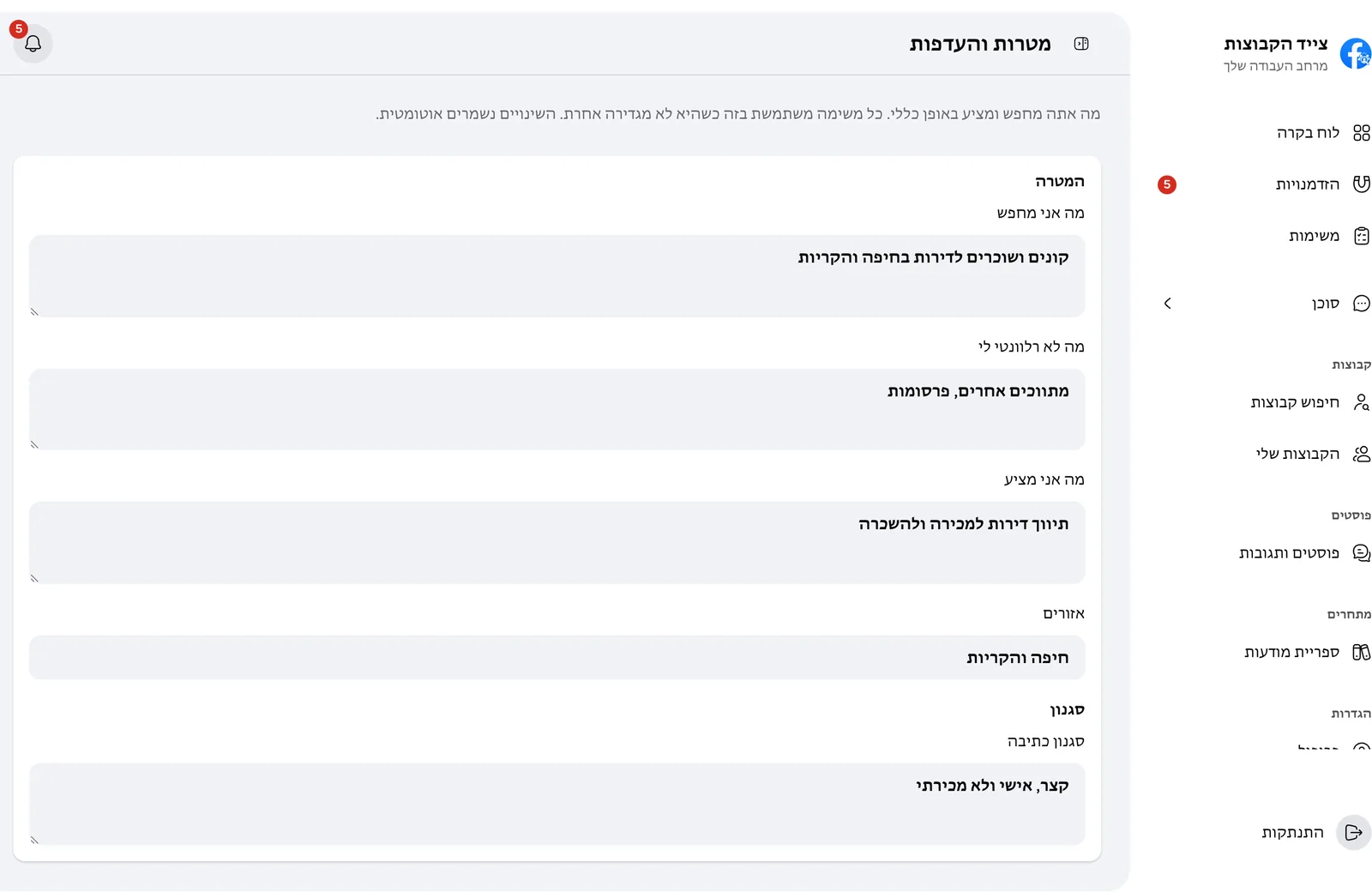
It reads your profile and your goals and preferences, and remembers facts you ask it to keep. You can see and delete every memory in Settings, under the agent's memory.
Yes. Every chat is saved to your account. You can search them, rename or pin a chat, and download one as a file.
Monitoring and opportunities
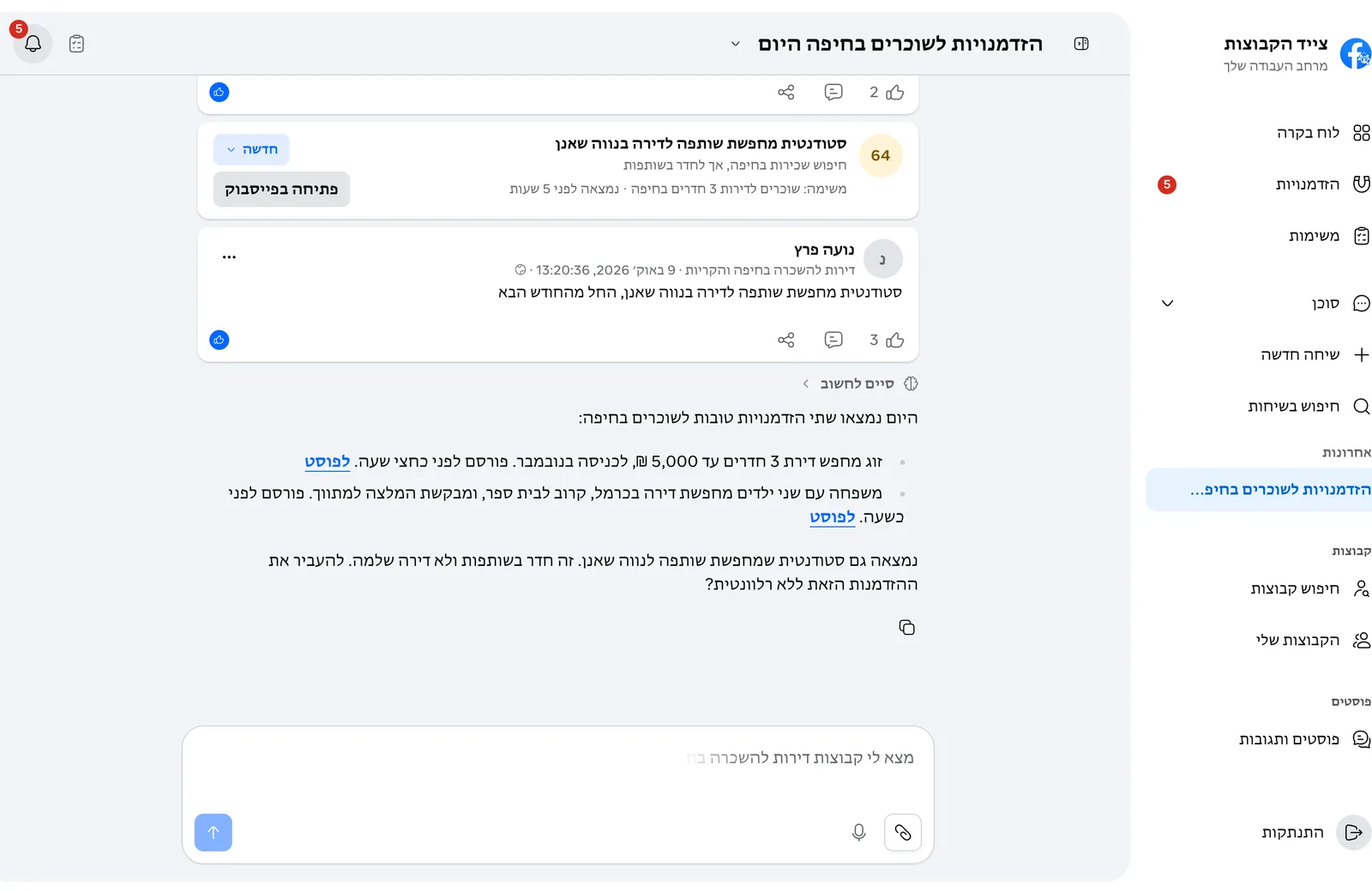
A post or comment the AI judged a fit for your task. Each opportunity has a fit score, a line on what the person wants, why it fits and a link to the post on Facebook.
As you choose: in real time, every 5 minutes, every 15 minutes, every hour, every 6 hours or once a day. To keep the account safe the actual pace is limited, and real-time tasks share it.
From the groups you saved. When a scan reaches its limit, groups not yet scanned go before the ones scanned most recently.
The AI scores every post from 0 to 100 against your task and preferences. A post scoring 70 or more becomes an opportunity.
Yes. Each opportunity moves through statuses: new, in progress, replied, closed or not relevant, and you can filter by them.
Privacy and data
In your GroupsHunter account, on secured servers. Only you see your chats, tasks, opportunities and settings. The full details are in the privacy policy.
Yes. In Settings, under data management, delete at once all chats, all tasks with their opportunities, or all of the agent’s memory.
Write to us from your account’s email, and we delete the account and all of its data. Details are on the account deletion page.