Opportunities
How a post becomes an opportunity and how to track it.
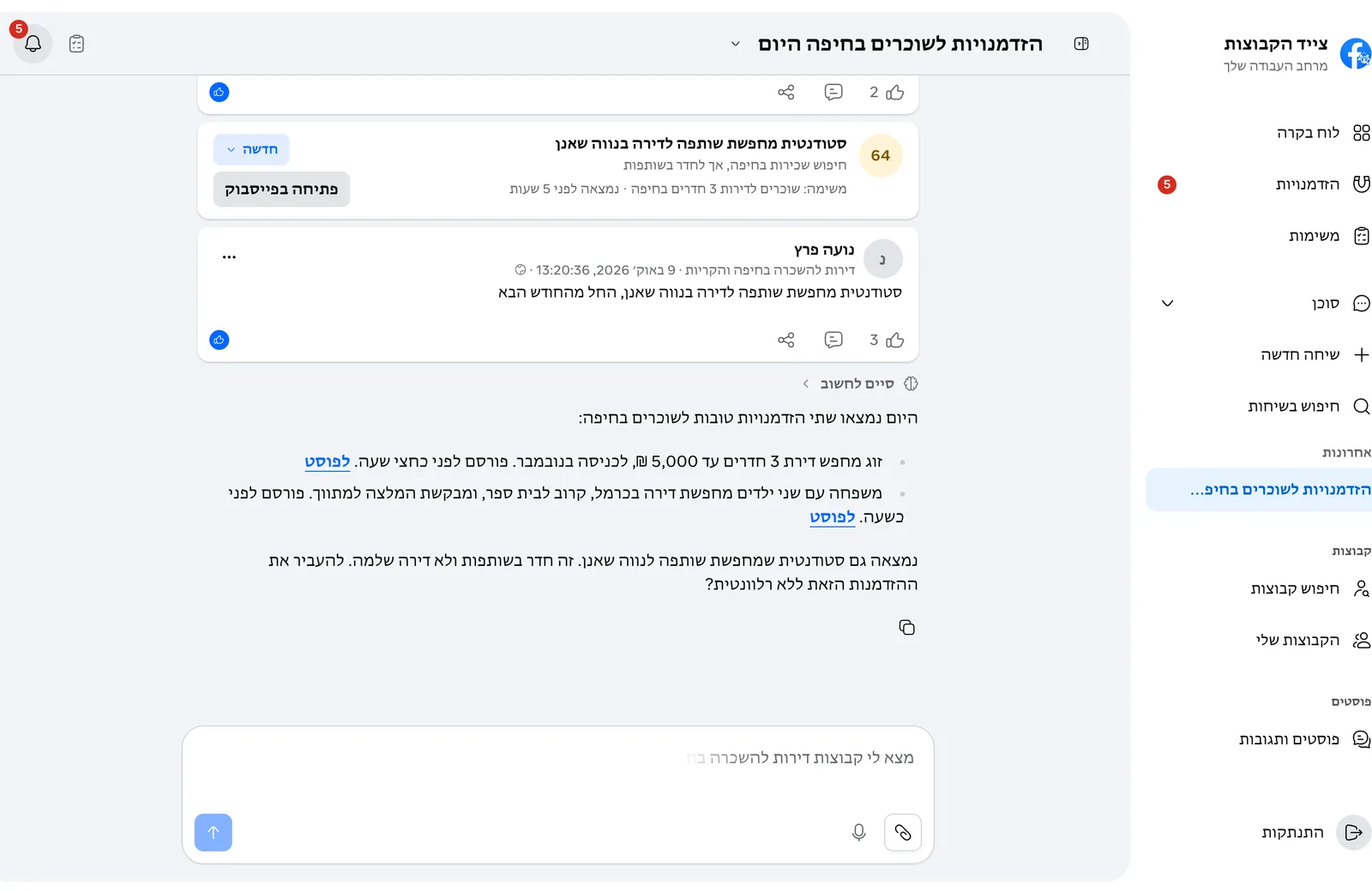
Every new post in the task's groups is checked against what you asked for and gets a match score. A post that scores 70 or more is saved as an opportunity, with the reason it fits.
Mark each opportunity so you know what is already handled:
- New or in progress.
- Replied, closed or irrelevant.
No. GroupsHunter finds the post and links to it, and you reply or reach out yourself on Facebook.
Select "Sign up" on the site, enter an email and a password, and confirm the email we send you. After your first log-in, connect a Facebook account and tell the agent what you are looking for.
On the log-in page choose "Forgot your password?" and enter your account email. You get an email with a link where you choose a new password.
In Settings > Profile choose whether you search for yourself (personal) or for customers for a business (business). The agent uses this to judge which posts are relevant and how to write on your behalf.